Why You Will Love QR Code Scan-to-Login
While QR code login is already wildly popular in Asian tech hubs for its unrivaled speed, we are bringing this effortless experience to our global community!- Lightning Fast: It is officially the fastest way to log in. No typing, no waiting for redirected authorization pages.
- Zero Typos or Forgot Passwords: Never worry about mistyping complex passwords or losing account credentials on desktop browsers.
- Seamless Security: Leverage your already-logged-in mobile app to safely authorize desktop sessions in a single second.
How to Use QR Code Login (Step-by-Step)
Logging into DWG FastView Web or Windows desktop is now as easy as taking a photo: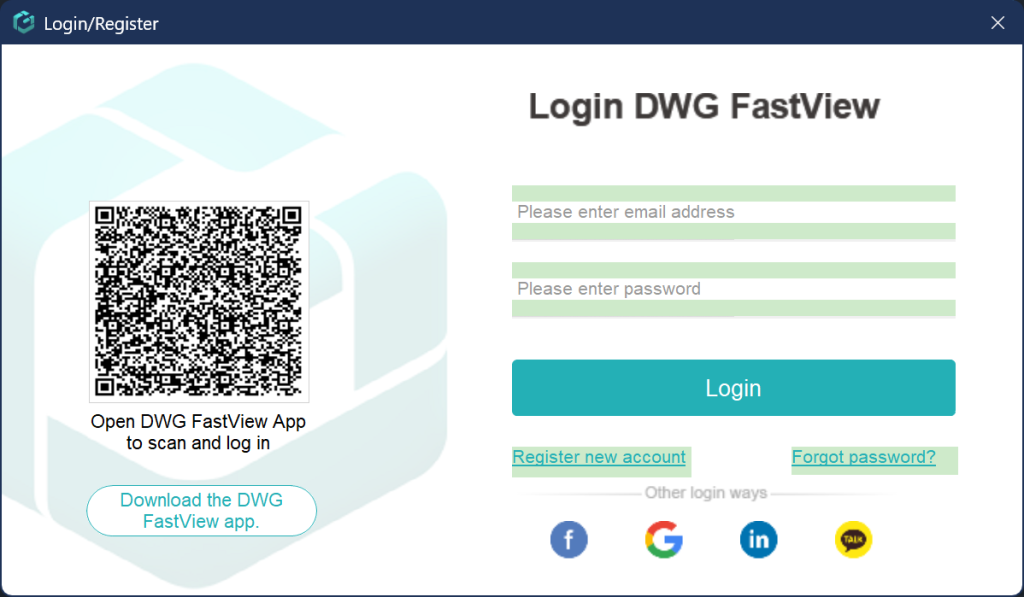
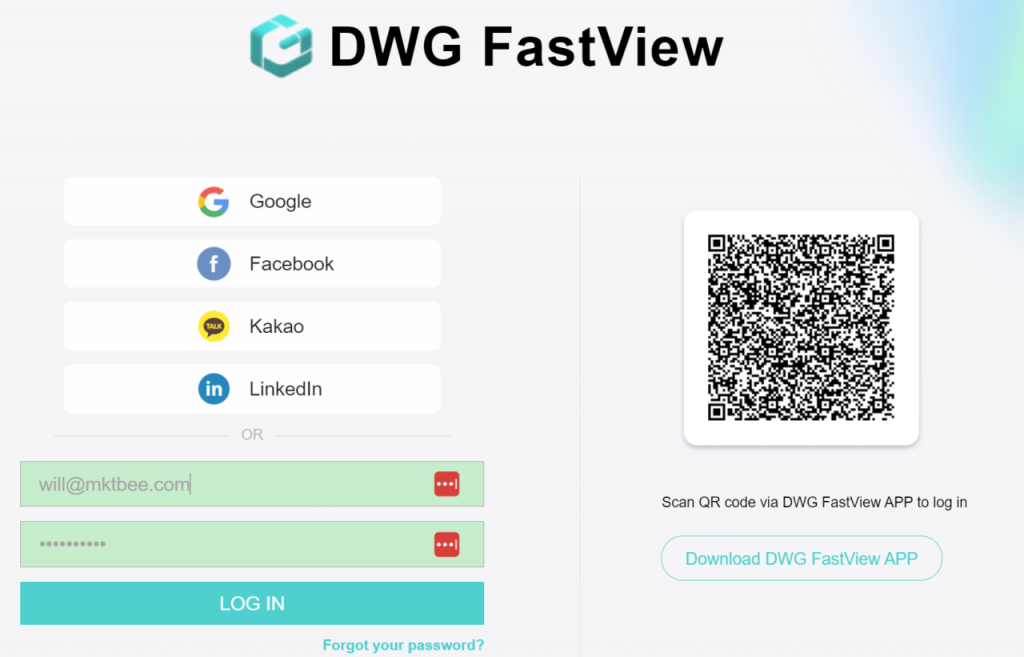
- Open the login page on DWG FastView Web or the Windows App — you will see a unique login QR code on the screen.
- Open your DWG FastView Mobile App (make sure you are logged in on your phone).
- Tap the QR Scanner tool in the app, point your camera at the computer screen, and confirm login!
Try It Out Today!
Say goodbye to forgotten passwords and tedious multi-step logins. Update your DWG FastView Mobile App to the latest version today, open Web or Windows, and experience the speed of Scan-to-Login! Although DWG FastView provides free trial for the video annotation feature, but you can only use it free 10 minutes. if you want to unlock all features & remove all ads, please click the button below to upgrade your DWG FastView account on mobile phone. If you want to upgrade on PC, click here. Wherever you upgrade your account on mobile app or on web, the VIP account is the same and can be used across devices, Mobile, Windows and web browsers.