Method 1: Using the "Measure Entity" Tool
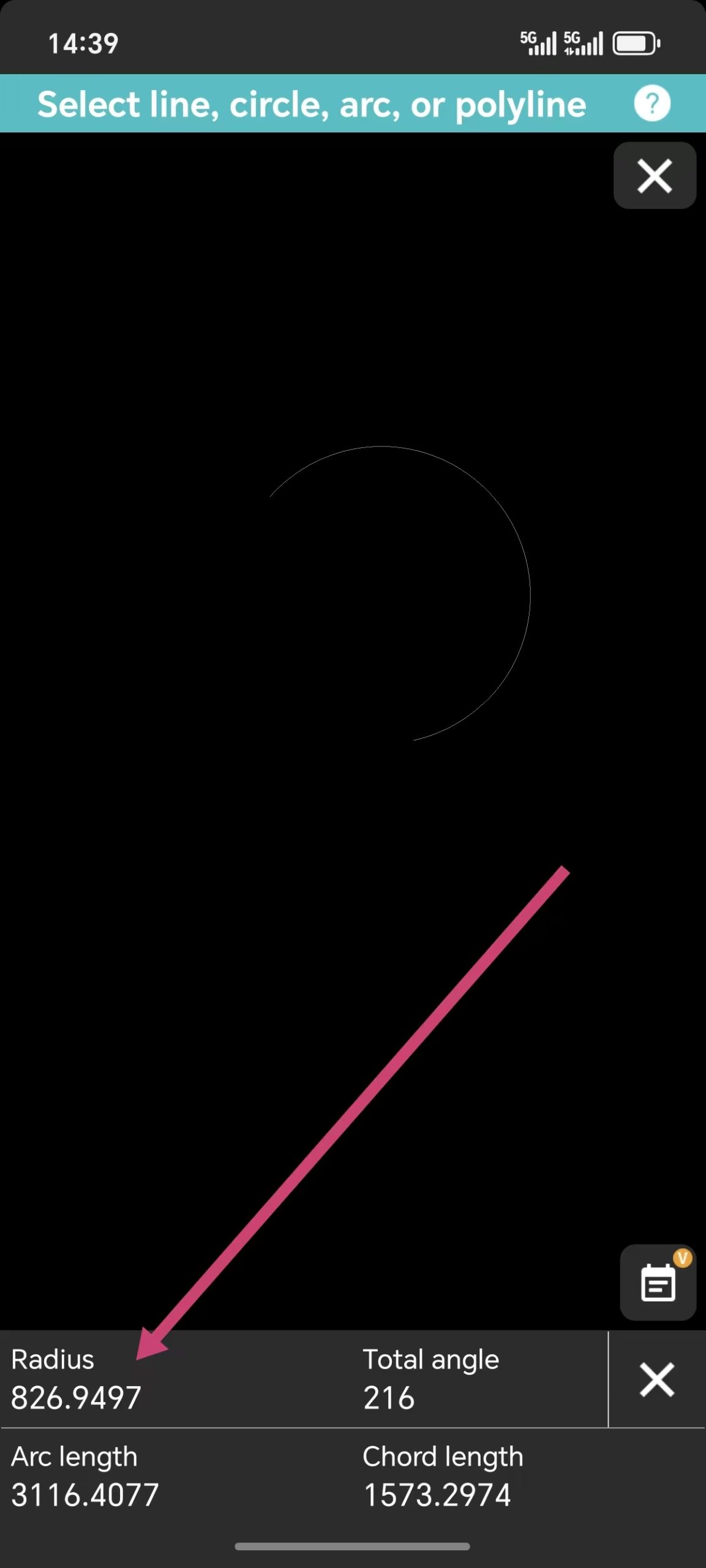
This is the most direct way to extract geometric data from an object. Instead of measuring points, you measure the entity itself:- Select the Object: Tap on the circle or arc in your drawing.
- Open the Toolbox: Locate the Measure Toolbox at the bottom of the screen.
- Choose "Measure Entity": Select this tool and click on your object. If it is a circle or an arc, the app will instantly display the Radius in the result box.

Method 2: Using the Arc Length Tool
Another reliable shortcut is hidden within the Arc Length tool. When you use this tool from the Measure Toolbox to select a curve, the system doesn't just show the length—it also reveals the radius of that specific arc as part of the measurement data.Method 3: Using the Dimension Tool
Sometimes the best way to "measure" is to "annotate." In the Dimension Toolbox, you will find a dedicated Radius Dimension tool:- Select the Radius Dimension tool.
- Tap the circle or arc you want to check.
- The radius will appear as a visual label on your drawing.