
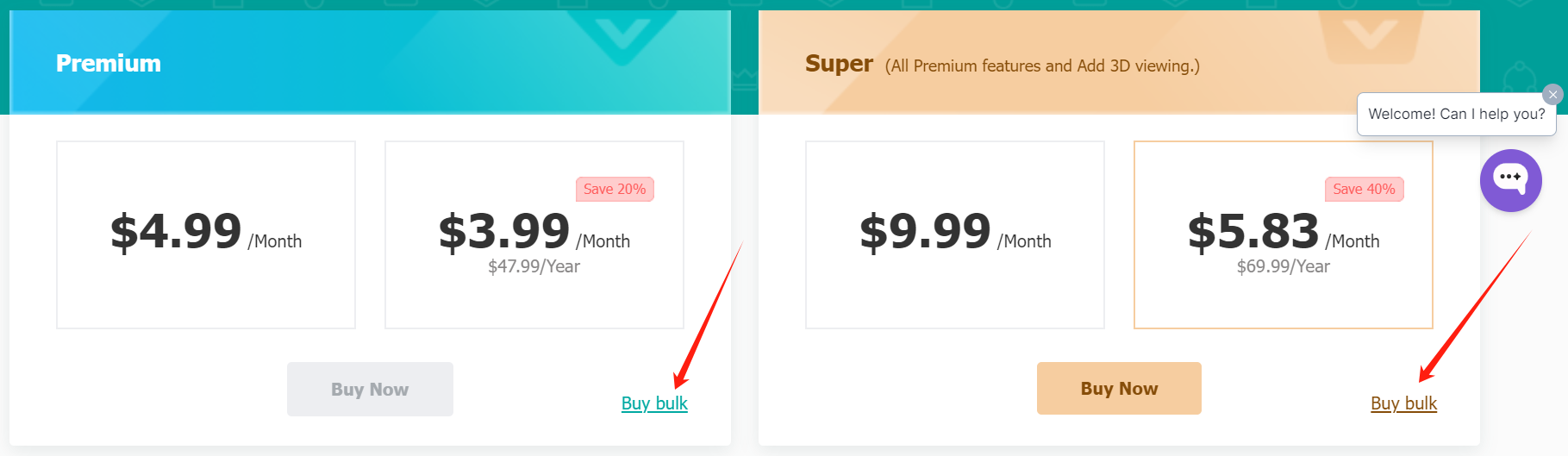
 It allows you to quickly and efficiently purchase multiple accounts at once and provides the flexibility to redeem premium or super benefits at any time. If you prefer not to use a subscription model, bulk purchasing redeemable codes is the best option. After purchasing, you can hold onto the codes, redeem them whenever you like, or share them with employees, colleagues, and friends.
If you're looking to enhance your DWG FastView experience and gain access to premium features, consider the bulk purchase option. This unique approach allows you to bypass traditional subscription models by using redeem codes, offering both efficiency and significant savings.
It allows you to quickly and efficiently purchase multiple accounts at once and provides the flexibility to redeem premium or super benefits at any time. If you prefer not to use a subscription model, bulk purchasing redeemable codes is the best option. After purchasing, you can hold onto the codes, redeem them whenever you like, or share them with employees, colleagues, and friends.
If you're looking to enhance your DWG FastView experience and gain access to premium features, consider the bulk purchase option. This unique approach allows you to bypass traditional subscription models by using redeem codes, offering both efficiency and significant savings.
What is Bulk Purchase?
The bulk purchase option on DWG FastView enables users to buy redeem codes for premium & super accounts rather than subscribing individually. This method is designed to streamline the purchasing process and provide notable discounts, especially beneficial for users who require multiple premium accounts.Benefits of Bulk Purchase
- Efficiency: Bulk purchasing is a much faster and more efficient way to acquire multiple premium accounts compared to the conventional method of buying individual subscriptions. Instead of making single purchases one at a time, you can buy numerous codes in one transaction, saving time and hassle.
- Cost Savings: Purchasing in bulk comes with substantial discounts. The more redeemable codes you buy, the greater the savings, making it an economical choice for both personal and business use.
- Price Lock-In: An added advantage of bulk purchasing is the ability to lock in current prices. By buying codes now, you secure today’s rates regardless of future price increases. This means whether you purchase three or five codes, you benefit from fixed pricing, protecting you from any potential future price hikes.
How It Works
- Purchase: Go to the DWG FastView bulk purchase page to select and purchase your redeemable codes. A minimum of three codes is required, but buying in larger quantities offers more significant discounts.
- Redeem: After your purchase, navigate to the account center on DWG FastView. Here, look at the right side, you can redeem your codes to upgrade your free account to either a premium or super membership. Also, you can go to your account center, and find your redeem code on the right side.
- Share: The codes you purchase can be shared with friends or employees, allowing them to convert their free accounts to premium or super accounts. This feature is especially useful for team settings and collaborative projects.